
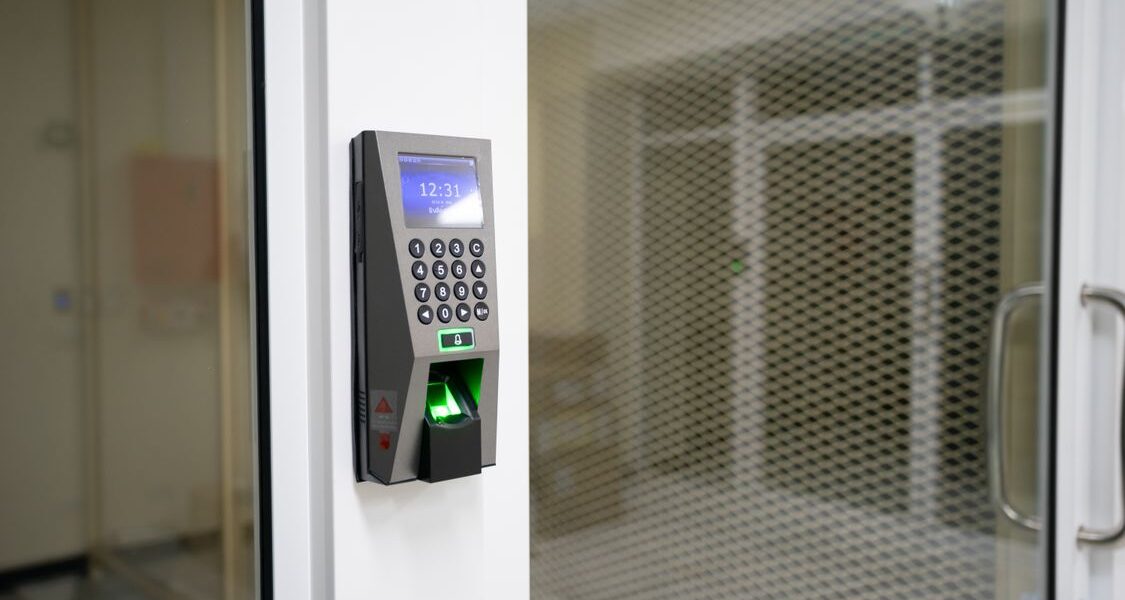
An Aadhaar card is India’s most widely used identity document. Issued by the Unique Identification Authority of India (UIDAI), it contains a 12-digit unique number linked to your fingerprints and iris scan. Whether you are enrolling for the first time or updating existing details, this guide covers everything you need to know clearly and simply.
What Is Aadhaar and Why Does It Matter?
Aadhaar is a government-issued proof of identity and address accepted across India. It is used for opening a bank account, getting a SIM card, accessing government schemes, filing taxes, enrolling your child in school, and more. Your Aadhaar number is unique to you — no two people share the same number — and it is linked to your biometric data making it one of the most secure identity systems available. Enrollment is completely free of charge.
Who Should Enroll for Aadhaar?
- Adults who have never enrolled before.
- Children of any age, including newborns (Baal Aadhaar for children under 5).
- Senior citizens.
- Foreign nationals who have resided in India for 182 days or more in the past 12 months.
Documents Required for Enrollment
Proof of Identity (any one)
- Passport
- Voter ID Card
- Driving Licence
- PAN Card
- Ration Card with photo
- Bank or Post Office passbook with photo
Proof of Address (any one)
- Passport
- Voter ID Card
- Bank or Post Office statement (not older than 3 months)
- Utility bill — electricity, water, or gas (not older than 3 months)
- Ration card
- Property tax receipt
For children under 5, the parent’s Aadhaar card and the child’s birth certificate are sufficient. UIDAI’s full valid documents list is available at uidai.gov.in.
How to Book an Appointment at an Aadhaar Seva Kendra
Step 1 – Visit the Appointment Portal
Go to appointments.uidai.gov.in.
Step 2 – Select Your Service
Choose “New Enrollment” for first-time applicants, or “Update Aadhaar” to correct existing details.
Step 3 – Find a Nearby Centre
Enter your state, district, and pincode. Select a centre and choose an available date and time slot.
Step 4 – Confirm Your Appointment
Enter your name and mobile number, verify with OTP, and save your appointment confirmation number. Walk-in enrollment is also available at most centres.
What Happens at the Enrollment Centre?
- Document Verification: The officer checks and scans your original documents.
- Data Entry: Your name, date of birth, gender, address, and mobile number are entered. Verify all details on screen before confirming.
- Biometric Capture: All 10 fingerprints and both iris scans are captured. Painless — takes about 2 minutes.
- Photograph: A photo is taken at the centre. No need to bring a separate photo.
- Acknowledgement Slip: You receive a slip with a 28-digit Enrollment ID (EID). Keep this safely to check status and download your e-Aadhaar.
How to Download Your e-Aadhaar
Your Aadhaar is usually generated within 90 days of enrollment (often sooner). Download your e-Aadhaar anytime, free, at myaadhaar.uidai.gov.in.
- Click “Download Aadhaar.”
- Enter your 12-digit Aadhaar number (or 28-digit EID).
- Enter the CAPTCHA and click “Send OTP.”
- Enter the OTP and click “Verify and Download.”
- The PDF is password-protected. The password is the first 4 letters of your name in capitals + birth year (e.g., PRIY1990 for Priya born in 1990).
How to Update Your Aadhaar Details
Name, address, and date of birth can be updated online at myaadhaar.uidai.gov.in for a fee of ₹50 per request. Mobile number update must be done in person at a Seva Kendra (biometric verification required — free of charge).
Online Update Steps
- Log in with your Aadhaar number and OTP.
- Select the field to update and upload a supporting document.
- Submit — you receive a Service Request Number (SRN) to track the update.
Most updates are processed within 30 days.
Frequently Asked Questions
Is Aadhaar mandatory?
Aadhaar is required for income tax filing and government subsidies. It is practically essential for most financial and government services in India.
Can I enroll without a fixed address?
Yes. UIDAI has provisions for homeless individuals and migrants. Enrollment can be done via an authorised “introducer” or through special enrollment camps.
What is Baal Aadhaar?
Baal Aadhaar is a blue-coloured Aadhaar card for children under 5 — no biometrics required. When the child turns 5, they must re-enroll to have biometrics captured. The Aadhaar number stays the same.
My enrollment is taking too long — what do I do?
Check status at resident.uidai.gov.in using your EID. Contact the UIDAI helpline at 1947 (toll-free, 7 days a week) if needed.
Your Right to Identity
Every Indian resident has the right to an identity document. Without Aadhaar, people are often excluded from bank accounts, government schemes, healthcare, education, and basic services. At Aavya – The Beginning Foundation, we support citizens who face barriers to getting Aadhaar enrolled or updated — helping with document preparation, appointment booking, and follow-up with authorities, at no cost. Contact us if you or someone you know needs help. Your rights are not negotiable.